





- Stock: In Stock
- Brand: CZT
- Model: B08GYQXMXM
- SKU: B08GYQXMXM
- ISBN: B08GYQXMXM
Available on
About this item
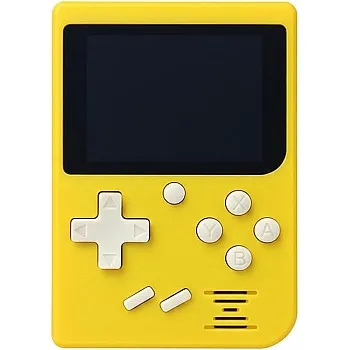
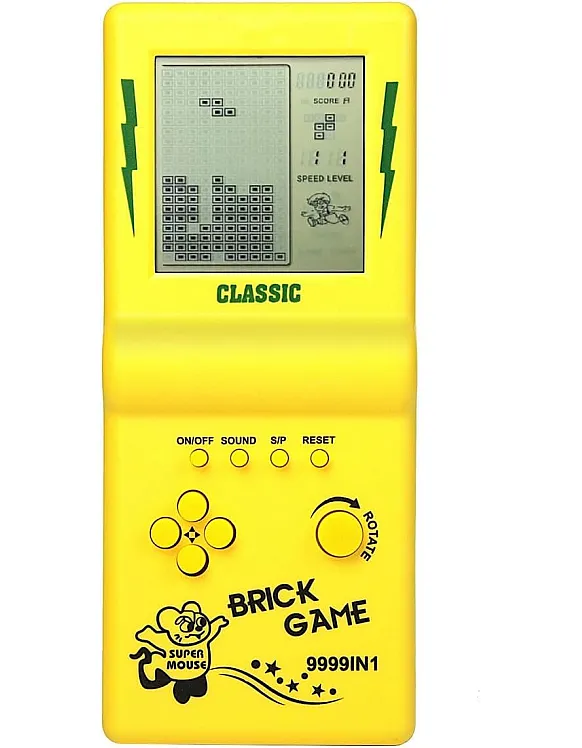
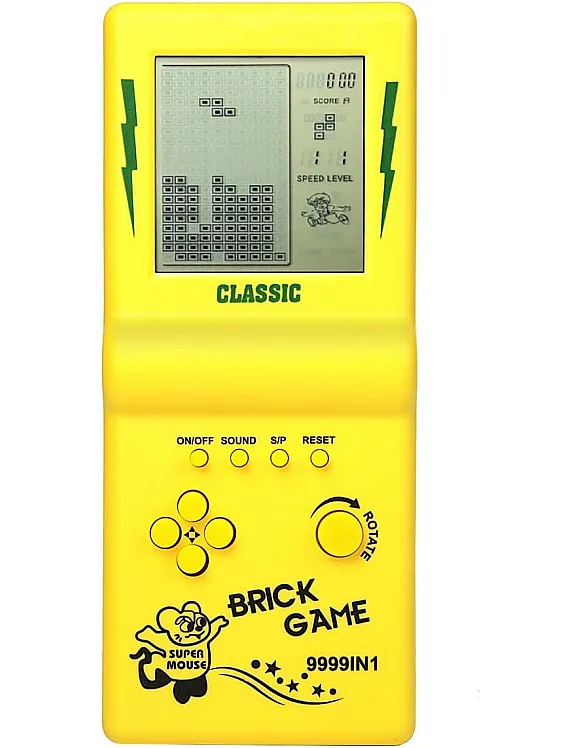
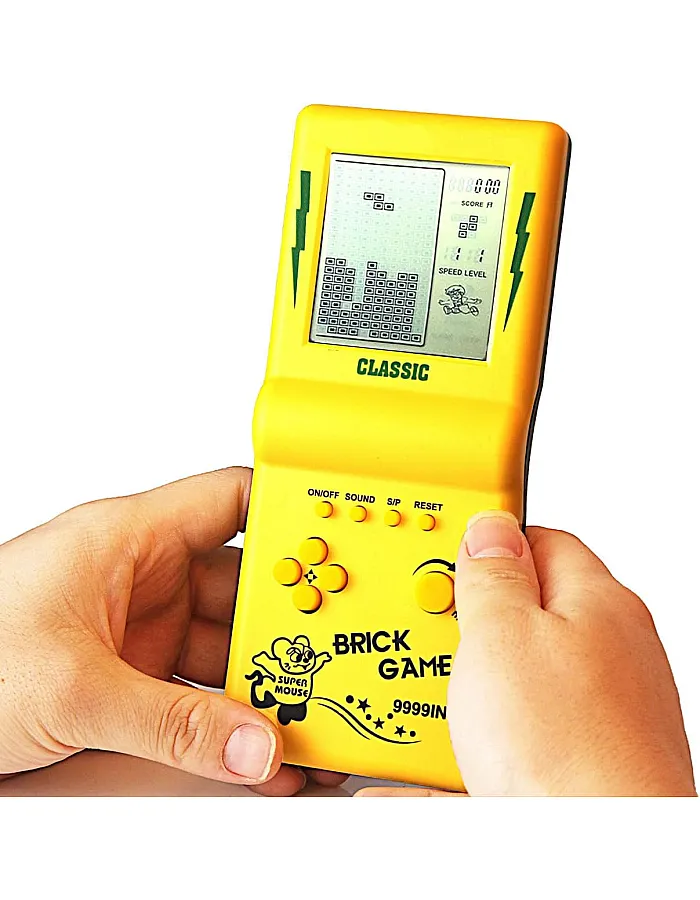
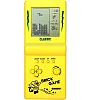
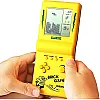
- Super large screen, the screen surface is 3 times that of the ordinary brick game console and the visual effect is better; the ergonomic design, the grip feels better, and the operation is comfortable. It is one of the best gifts for someone, and also your best companion to travel or spend boring times.
- There are 23 built-in games, classic, nostalgic and puzzle. Every game can bring you happiness. You can press "ROTATION" to adjust the number at the top of the screen to select the game. The number "01" is a classic brick game, and many like it. These games will bring good memories to those born in the 70s/80s/90s.
- The speed of the game and the number of levels and difficulty can be adjusted. After selecting the game you want to play, press the right arrow key to adjust the speed before the game starts, the left arrow key to adjust the difficulty level, and the up/down keys to adjust the number of levels.
- The game can be paused, and you can continue playing with the paused progress next time, you don't need to start again. Operation method: first press the "S/P" button to pause the game, then press the "ON/OFF" button to turn off, next time you play, press the "ON/OFF" button to turn on, and then press the "S/P" button first. Start the game.
- Powered by 2 AA batteries (not included), you can easily buy it. Two AA batteries can be used for 4 weeks (depending on battery quality), and its power consumption is very low. Product weight / size: 88 g / 18 x 8 x 2 cm; weight / size of product with packaging box: 110 g/18.8 x 8.5 x 2.5 cm;
Product Description
Function Key Instructions 1.ON/OFF: Press the ON/OFF key to turn the game on or off. 2. ROTATION: Press the ROTATE key to select games before starting, it takes action in the selected game. 3. SOUND: Press the Sound key several times to mute or activate the sound. 4. S/P (Start/Pause): Press the S/P button repeatedly to start or pause the selected game. 5.RESET: Press RESET to reset the entire system of the unit. 6. UP/DOWN: Press the UP/DOWN keys to select the model of the selected game before starting it. Press the UP/DOWN keys to control the up/down direction in a selected game. 7. LEFT/RIGHT: Press L/R keys to select the level (L) and speed (R) of the selected game before starting it. Press the UP/DOWN keys to control the left/right direction in a selected game. List of games and operation 01.Classic Brick game: L/R key control direction, rotation key to deformation. 02-08.Other set of bricks: L/R key control direction, rotation key to deformation. 09.Tanks war: control direction of the UP/DOWN/LEFT/RIGHT key, ROTATION key to throw balls. 10.Racing game: L/R key control direction, ROTATION key to accelerate. 11.Pinbal: L/R key control direction, ROTATION to accelerate the movement of the speedl ball. 12.Shooting: direction control of L/R keys, rotation of key launch balls. 13. Pinball obstacles: direction of control of L/R keys, rotation to accelerate the movement of the speedl ball. 14-15.Fill Shooting: L/R key control direction, rotation of balls fired by key. 16-23.Various set of inverted bricks.
Specifications
| Brand | CZT |
|---|---|
| Age Range | Adult |
| Material | Plastic |
| Color | Yellow |
| Size | Large |
| Dimensions | 18 x 8 x 2 centimeters |
| Weight | 88 Grams |